
Guides
Practical guides
01
Move · 3 min
Visa or residence permit? The difference in 2 minutes
The number 1 point of confusion, made simple: 1 is your ticket, the other is your key.€
Money · 4 min
How much money do you need to move to Germany in 2026?
The real 2026 figures for every route: savings you must show, and salaries your employer must pay.9
Move · 4 min
9 reasons German visas get refused, and how to avoid them
Most refusals are not about the person. They are about the paperwork, so most can be prevented.!
Stay safe · 3 min
How to spot a visa scam before it costs you
6 warning signs, and the 1 thing German embassies never do.14
Live · 4 min
Your first weeks in Germany, in the right order
German bureaucracy works like a chain. Follow this order and you will save weeks.✓
Move · 3 min
Your visa appointment day, without panic
What to prepare, how to behave and the questions you may hear.A1
Learn · 3 min
A1 to C2: which German level do you really need?
The language ladder, and which visa route needs which step.🥨
Live · 3 min
A taste of Germany for a Nigerian stomach
Brezel, Döner and Black Forest cake, where to find garri and egusi, and why you should pack suya spice.Stories
From my blog: life in Germany

From my blog · 4 October 2026
Germany Is Different
Germany is different from Nigeria, and many Nigerians need to hear this before they come.
From my blog · 5 October 2026
German Is Stretchy 🇩🇪😂
My honest, funny take on learning the German language.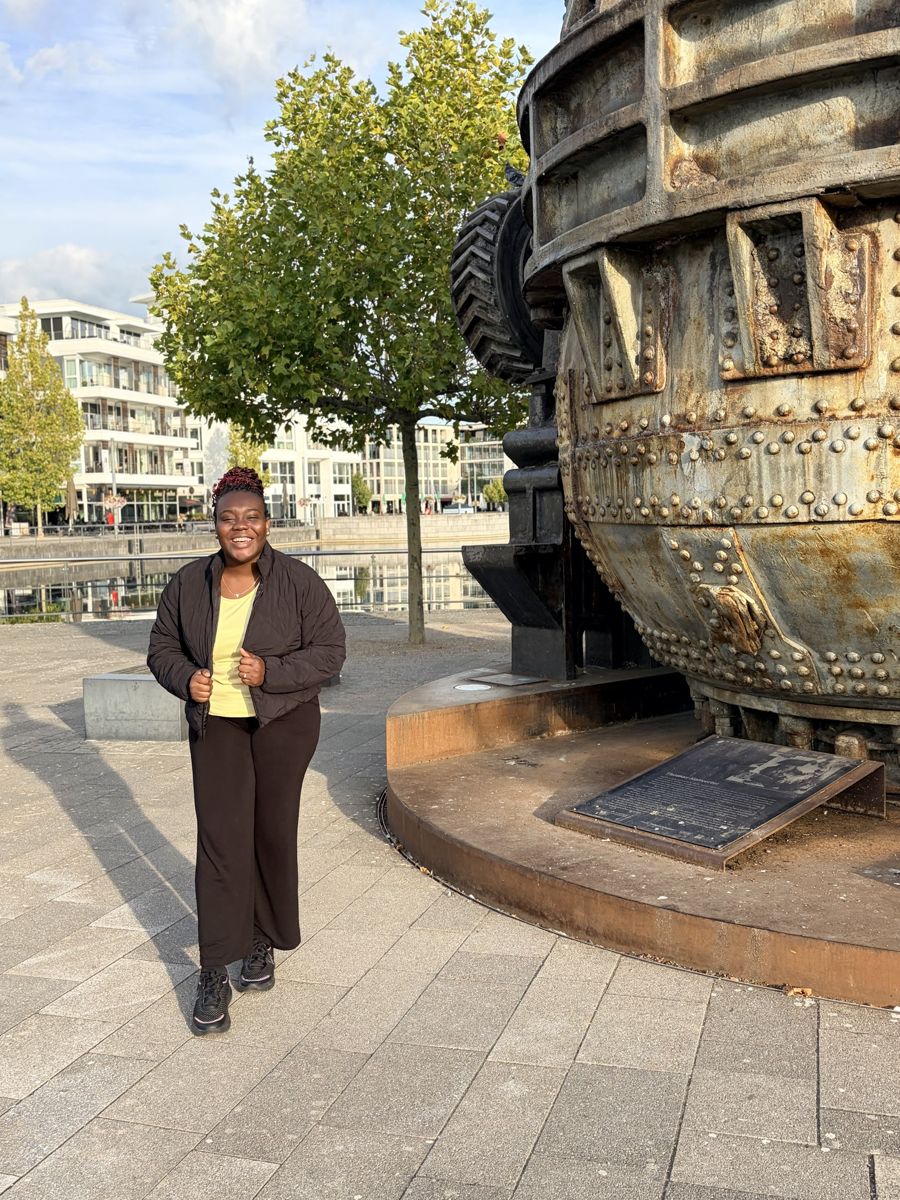
From my blog · 4 October 2026
I Have Never Experienced Racism in Germany, So Far
My personal experience as a Black woman living in Germany.
From my blog · 4 October 2026