
Guides
Practical guides
01
Waka come · 3 min
Visa or residence permit? The difference for 2 minutes
The thing wey dey confuse people pass, made simple: one na your ticket, the other one na your key.€
Money · 4 min
How much money you need to move go Germany for 2026?
The real 2026 figures for every road: savings wey you must show, and salaries wey your employer must pay.9
Waka come · 4 min
9 reasons why dem dey refuse German visa, and how to avoid them
Most refusals no be about the person. Na about the papers, so you fit prevent most of them.!
Stay safe · 3 min
How to catch visa scam before e cost you
6 warning signs, and the 1 thing wey German embassies no dey ever do.14
Live am · 4 min
Your first weeks for Germany, for the correct order
German bureaucracy dey work like chain. Follow this order and you go save weeks.✓
Waka come · 3 min
Your visa appointment day, without panic
Wetin to prepare, how to behave and the questions wey dem fit ask you.A1
Learn · 3 min
A1 reach C2: which German level you really need?
The language ladder, and which visa road need which step.🥨
Live am · 3 min
Taste of Germany for Nigerian belle
Brezel, Döner and Black Forest cake, where to find garri and egusi, and why you suppose carry suya pepper.Stories
From my blog: life for Germany

From my blog · 4 October 2026
Germany Is Different
Germany different from Nigeria, and plenty Nigerians need to hear this before dem come.
From my blog · 5 October 2026
German Is Stretchy 🇩🇪😂
My honest and funny talk about learning German.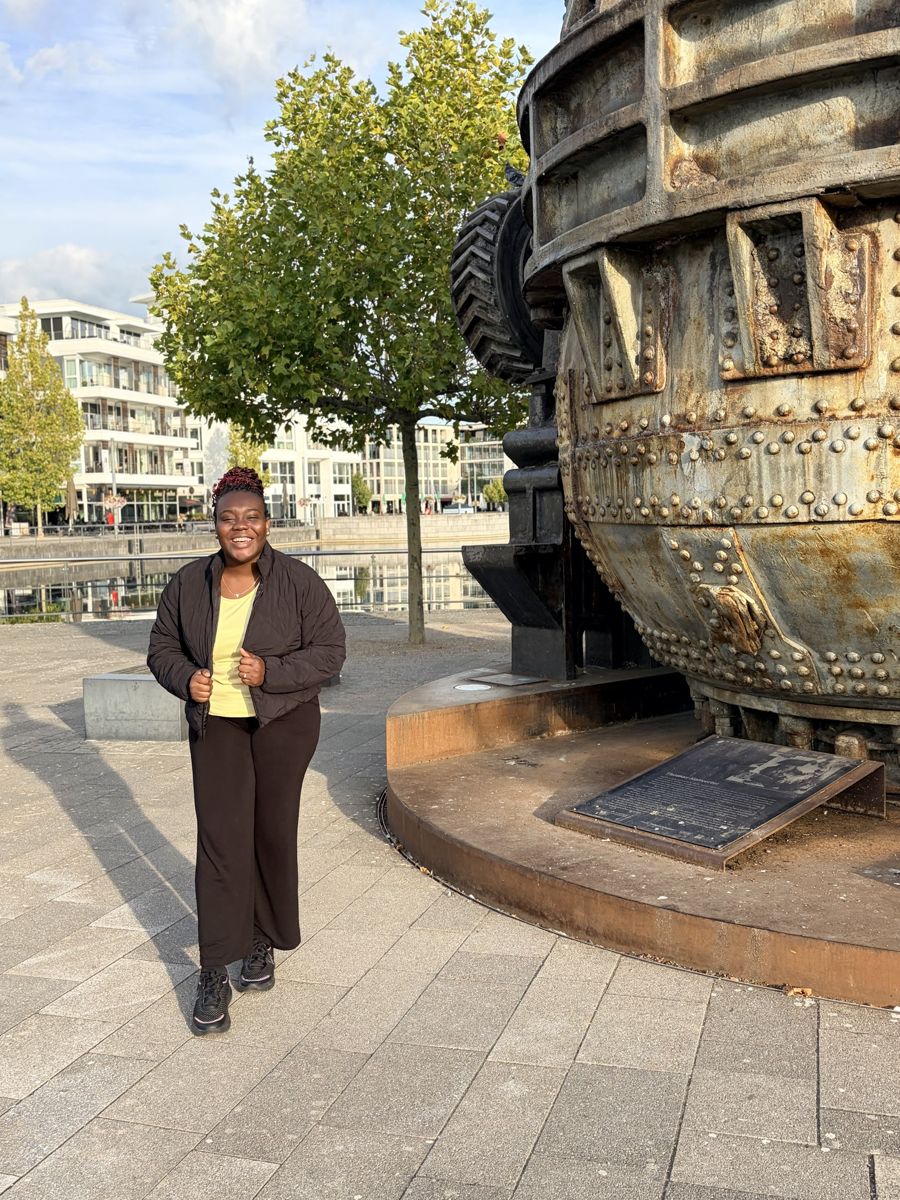
From my blog · 4 October 2026
I Have Never Experienced Racism in Germany, So Far
My own experience as Black woman wey dey live for Germany.
From my blog · 4 October 2026